

How to measure AI search visibility for your game
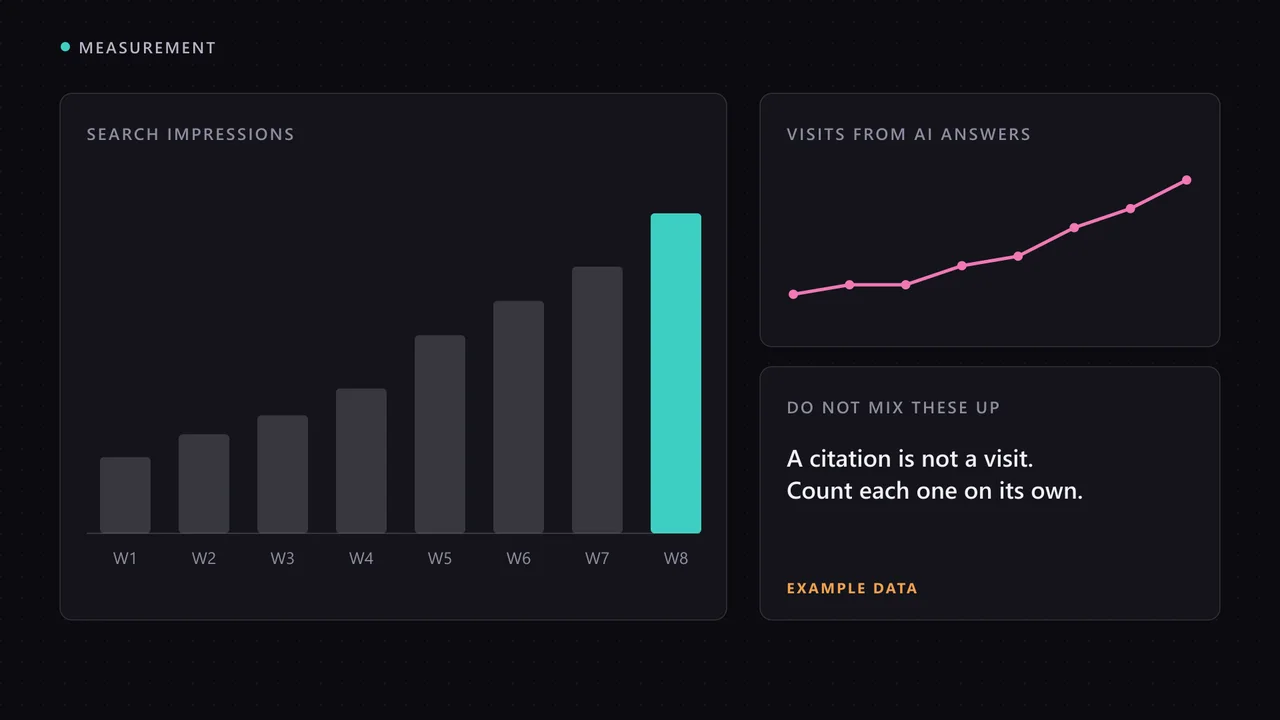
Measure AI search in layers: provider-reported visibility, observed visits and useful actions on your site. These signals answer different questions, and no single report captures every answer or proves that a particular edit caused a change.
A screenshot of a chatbot mentioning your game is a useful example, but it is not a traffic report. Answers vary by request, context and time. To make useful decisions, distinguish three questions: was a page visible, did anyone visit, and did the visit help the player or business?
Each requires a different signal. You may be able to observe some of them, but not all of them, for every AI product.
Define the action before reading the dashboard
Choose a small group of pages with clear purposes. For a fictional indie game, that could be the game overview, controller support page and press kit. For a developer-facing product, it might be a tutorial and its linked documentation.
| Page purpose | Visibility signal | On-site action, if measurable |
|---|---|---|
| Introduce a game | Search impressions or provider-reported citations | Click to a store page |
| Answer a support question | Impressions for the support page | Visit to the relevant instructions |
| Explain a developer workflow | Impressions or citations for the tutorial | Visit to the documentation or example |
These are candidate measures, not an assurance that a particular tool exposes every column. A store click is not a wishlist, purchase or satisfied player. If those outcomes matter, use verified store-side data or another appropriate source rather than relabeling a click.
Use Google’s reports for Google surfaces
Google says impressions from its generative AI features are included in its overall performance reporting. It also introduced dedicated Search Generative AI performance reports for Search and Discover. The announced views include impressions and pages, with country and date breakdowns; the Search view also includes device information. Google says it rolled out these insights to all websites worldwide by August 31, 2026. See the Google announcement and its update.
Open the relevant Search Console property and inspect the reports available to you. Compare the same date ranges and dimensions when you review changes. The dedicated visibility view should not be treated as a complete accounting of clicks, conversions or activity in other companies’ AI products. The ordinary AI features guidance describes how Google includes AI feature data in Search reporting.
Reporting availability does not imply that a small or newly indexed site will have meaningful data for every date or page. Respect the report’s definitions, filtering and any data limitations shown in the interface.
Use Bing’s citation data for its supported experiences
Microsoft introduced AI Performance in Bing Webmaster Tools as a public preview in February 2026. Its announcement describes citation counts, cited URLs and sampled grounding queries across supported experiences, including Microsoft Copilot and AI-generated Bing summaries.
A grounding query is a phrase used to retrieve referenced content; it is not necessarily the exact question a person typed. A citation count is not a click count or a page ranking. Use the page and phrase data to investigate whether your content covers relevant questions, then check the page itself for accuracy and completeness. Do not add Google impressions and Bing citations together as if they were identical units.
Connect observed visits to useful actions
If you already use privacy-appropriate analytics, inspect landing pages and available referrers. Some AI referrals may be identifiable; others may be absent, grouped differently or lost. A visit without an identifiable referrer is not evidence that AI search sent it. Check how your analytics tool attributes cross-domain visits and how consent choices affect measurement before drawing conclusions.
For a store link, an outbound-click event can show that a visitor selected it if your instrumentation records the event. The store’s own dashboard may offer additional outcome data, but the two systems may not connect a particular visit to a particular wishlist or sale. Avoid inventing that connection.
Run a small, repeatable review
- Record the page URLs, dates, report names and definitions. Choose comparable periods, such as the previous four weeks and the four weeks before that.
- Note launch dates, marketing campaigns, major releases and seasonal events that could affect demand.
- Improve one clear reader problem, such as adding verified controller information, and record the change date.
- Revisit the same reports after a reasonable observation period. Record visibility, observed visits and actions separately.
- Interpret a change as an observation, not proof of cause. Consider traffic volume, seasonality, reporting changes and other concurrent work.
Manual prompts can reveal incorrect answers or missing context, particularly when you record the prompt, provider and date. They are a diagnostic sample, not a representative ranking or market-share measurement. If a provider cites an outdated page, verify the page, its indexing and crawler access before assuming why the answer appeared. The crawler guide covers those checks.
Questions people ask
Can Google Search Console show AI search impressions?
Yes. Google reports AI feature data in its overall performance reporting and offers dedicated Search Generative AI performance reports. Google says it rolled out those insights worldwide by August 31, 2026.
Is an AI citation the same as a visit?
No. A citation means a source appeared or was referenced under the reporting provider’s definition. A visit requires a user to follow a link and your analytics to record it.
Can one dashboard measure every AI answer?
No. Provider reports cover their own supported experiences and use different definitions. Treat any combined view as partial and keep the source and metric names visible.