

How to polish a vibe-coded game without starting over
Play the core loop once, record what blocks or confuses you, and fix the highest-impact problems before adding features. Treat menus, controls, feedback and error states as part of the game, then test the same path in a fresh build.
Your game starts, the player can move, and there is something to do. That is a useful prototype. The next step is to make the experience understandable and dependable for someone who did not build it with you.
You do not need to replace the whole project. Play one short route from launch to a meaningful result, write down what happens, and fix the problems in order.
Play the game without explaining it
Start a fresh run and do not use the editor to skip ahead. Record the steps from opening the game to completing one objective or losing. Note the engine version, build, screen size and input device.
At each step, ask what a new player can see:
| Moment | What to check |
|---|---|
| Launch | The game opens and the first action is clear |
| Start | The chosen action does what its label promises |
| Play | Controls are discoverable and important information is readable |
| Result | Success, failure or the next objective is visible |
| Return | Pause, retry and exit lead somewhere sensible |
If a friend tests it, let them talk through what they expect before giving hints. Their misunderstanding is a useful observation, even when the code behaves as written.
Sort the problems before prompting
Use three buckets:
- Blocks play: a crash, an unreachable button, a lost save or an action that cannot complete.
- Confuses the player: an unexplained control, a silent failed purchase or a health display that never updates.
- Looks inconsistent: mismatched button styles, uneven spacing or a transition that feels out of place.
Fix the first bucket before adding particles or replacing every icon. A beautiful menu cannot compensate for a Start button that does nothing. Give each issue an actual reproduction step, expected result and observed result.
Give your agent one bounded repair
In the current build, open Pause and choose Resume with a controller.
Expected: the menu closes and play resumes.
Observed: the menu closes but the player cannot move.

Trace the pause state and input handling. Explain the cause before
changing code. Fix this path without rewriting the menu or changing
unrelated controls. Run the available checks and report what still
needs a manual controller test.
Replace the example with your own evidence. Review the diff and repeat the original steps. If the agent cannot run the game, its explanation is a hypothesis until you verify it.
Make the UI consistent
Collect the screens the player sees on that route. Pick a small set of text styles, colors and button appearances, then apply them consistently. In Envy, color tokens and text styles can be shared across screens, and components let repeated controls follow one source. Check exceptions and overrides before assuming every instance changed.
Use the actual game data for the final test. A health bar showing sample values is a useful design preview, but it is not evidence that the game connected it correctly.
Finish with a fresh build
Close the editor, start a build in a clean test location and replay the same route. Check the supported input devices, a smaller window if the game supports resizing, and an error or empty state. Keep a short list of what you tested and what remains open.
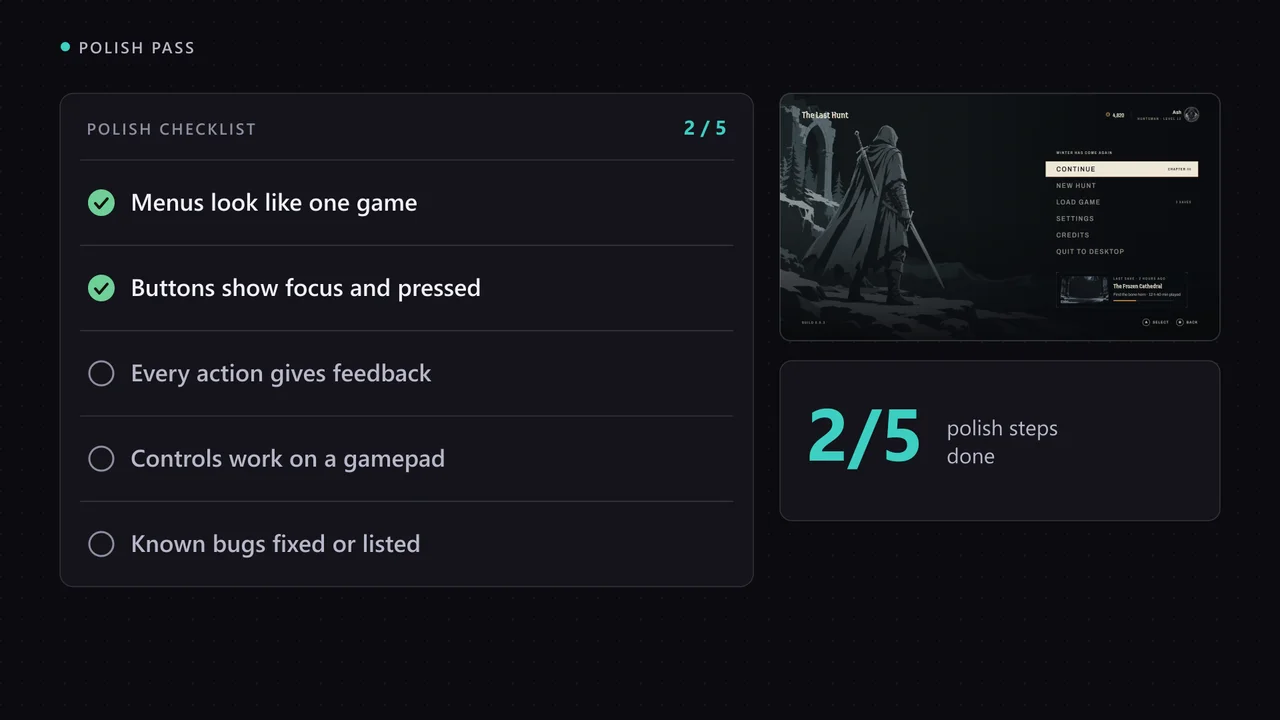
The Last Hunt images on this site show a fictional game UI made in Envy. They are examples of a consistent interface, not proof that your game is ready to ship. Use this checklist to decide what your own build needs next.
Questions people ask
What should I polish first in an AI-built game?
Fix anything that prevents a player from starting, understanding the next action or completing the core loop. After that, improve feedback, readability and visual consistency.
Do I need to rewrite a vibe-coded game to polish it?
No. Reproduce the biggest problems, understand which systems own them and make small changes you can test. A rewrite may be appropriate in some projects, but it is not the default first step.
Can Envy polish my whole game automatically?
No. Envy helps you design and integrate game UI. Gameplay rules, saving, performance and final testing remain your responsibility.